Planning & Design
Planning & Design
Define your robot's purpose, sketch designs, and plan the build.
0
0
3
- 1Define the Robot's PurposeTo do
- 2Sketch Your Robot DesignTo do
- 3Create a Bill of MaterialsTo do
Define the Robot's Purpose
Decide what your robot will do. Will it navigate a room, pick up objects, follow a line, or respond to voice commands? A clear purpose determines every decision that follows.
Build it, power it on, and confirm it works before marking this step complete.
Tick this to unlock the complete button.
- •Start simple — a line-following or obstacle-avoiding robot is ideal for beginners
- •Write down 3-5 specific tasks your robot should perform
- •Consider the environment where the robot will operate
Sketch Your Robot Design
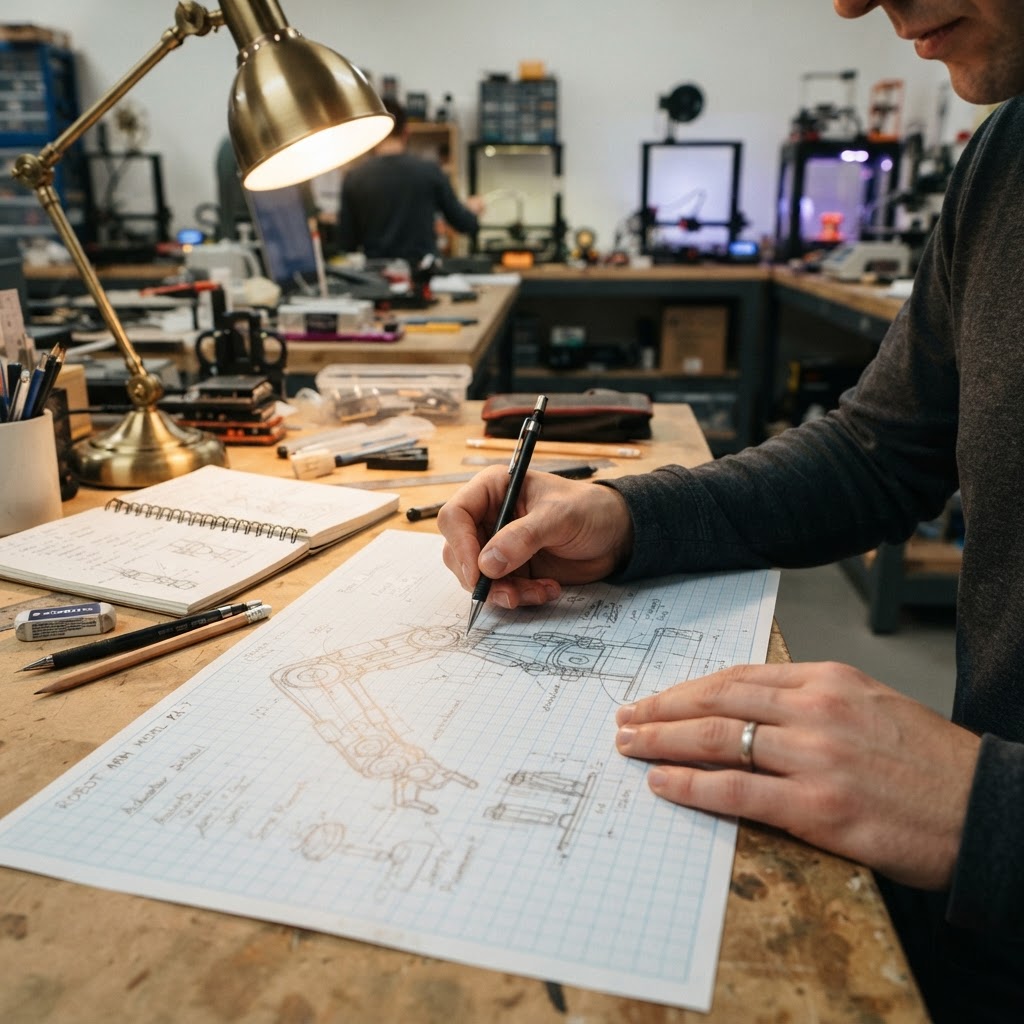
Draw rough sketches of your robot's body, wheel placement, sensor positions, and overall dimensions. This doesn't need to be perfect — it's your blueprint.
Build it, power it on, and confirm it works before marking this step complete.
Tick this to unlock the complete button.
- •Use graph paper for proportional drawings
- •Mark where each component will be mounted
- •Consider weight distribution for stability
Create a Bill of Materials
List every component you'll need: microcontroller, motors, sensors, chassis parts, wires, batteries, and tools. Research prices and availability.
Build it, power it on, and confirm it works before marking this step complete.
Tick this to unlock the complete button.
- •Budget an extra 20% for unexpected parts
- •Check online stores like Adafruit, SparkFun, or Amazon
- •Reuse parts from old electronics when possible
Phase Test Checkpoints
Confirm every test checkpoint before moving to the next build phase.